
 Steam · online wallet top-up
Top up Steam for Russian accounts
Pick an amount in dollars — Steam credits it in rubles at its own rate
- Credited in 1–5 minutes
- Pay with Visa / Mastercard
- 4 Steam regions
- Support that answers
Top up your wallet
Steam top-ups for Russia
Steam wallets on Russian accounts are in rubles. You pick an amount in dollars and Steam credits the equivalent in rubles at its own rate — the form shows an estimate.
Important: we accept Visa and Mastercard cards issued outside Russia. Mir cards and cards from Russian banks won't go through.
How it works
- 01
Enter login and amount
Give your Steam login, account region and an amount from 1 to 200 $.
- 02
Pay by card
Pay in manat with Visa or Mastercard through Kapital Bank.
- 03
Money in your Steam wallet
Your balance is topped up automatically in 1–5 minutes. Order status shows right after payment.
How to find your Steam login
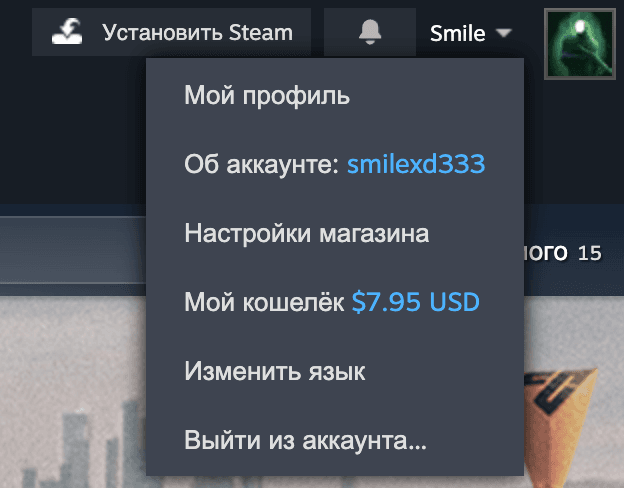
- 1Open SteamThe desktop client or the Steam website — sign in to your account.
- 2Go to “Account details”Click your profile name in the top-right corner and choose “Account details”.
- 3Copy the account nameIt's shown at the top of the page — that's your login. Paste it into the form.
Supported regions
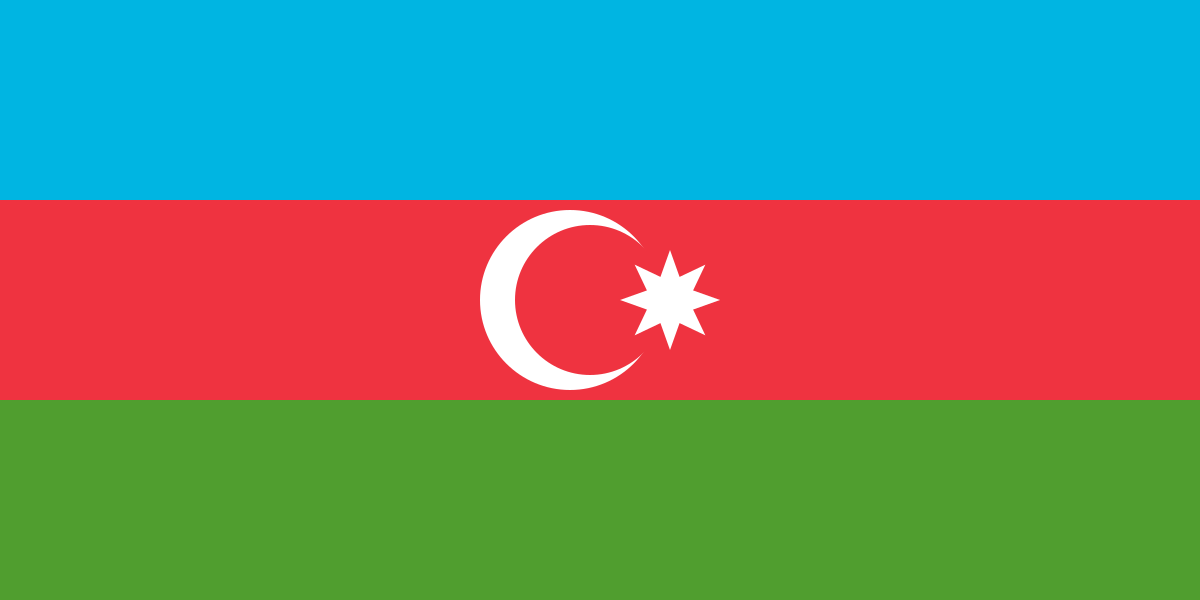
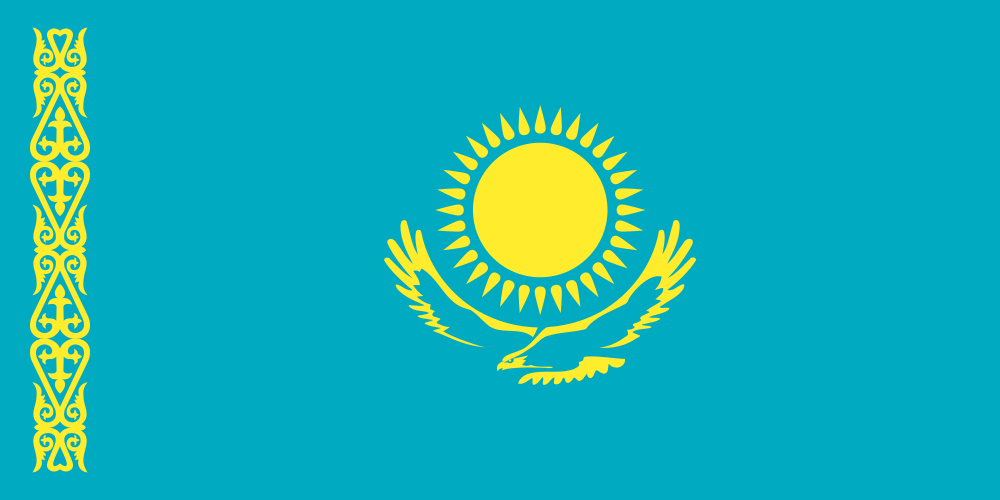
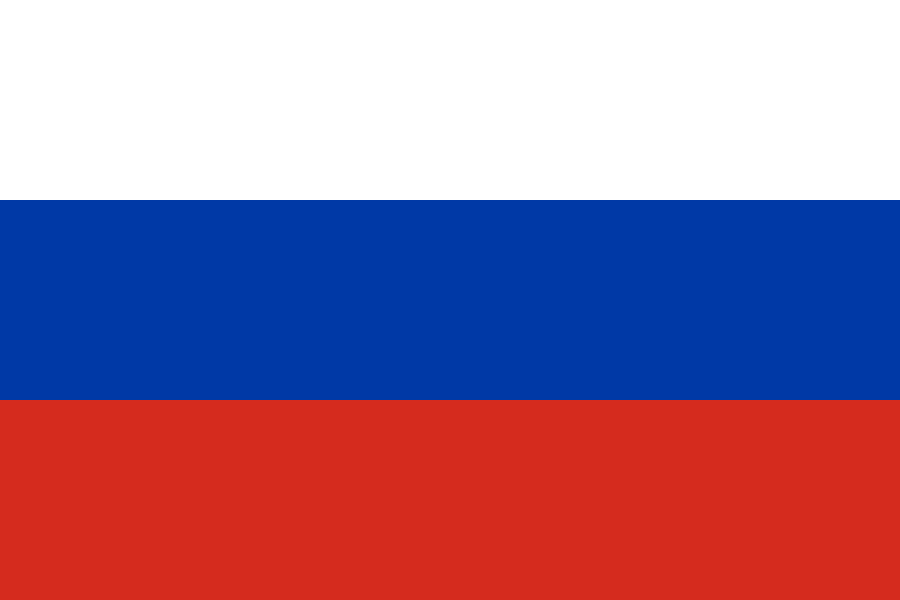
We top up accounts in Azerbaijan, Kazakhstan, Russia and Ukraine. Tap a country for details on currency and payment.
Frequently asked questions
Visa and Mastercard from banks outside Russia — for example Kazakhstan, Azerbaijan, Armenia or Georgia. Mir cards and Russian bank cards aren't accepted.
Rubles: Steam converts the dollars at its rate at the moment of crediting. The form shows an estimate in rubles.
Usually 1 to 5 minutes after payment. The order status appears on screen right after you pay.
If the login doesn't exist, the top-up won't go through and the money returns to your card. If the login exists but belongs to someone else, the credit can't be reversed — so double-check it before paying.
Azerbaijan accounts have a US-dollar wallet — exactly the amount you pick is credited. For Kazakhstan, Russia and Ukraine, Steam credits the equivalent in tenge, rubles or hryvnias at its own rate — the form shows an estimate.
From 1 $ to 200 $ per top-up, and no more than 200 $ a day per Steam account. The limit resets at 00:00 Baku time.
Steam accounts from Azerbaijan, Kazakhstan, Russia and Ukraine. You can see the region in Steam under “Account details” — pick it in the form.
If the top-up fails, we'll return the money to your card. A successful credit to your Steam wallet can't be reversed.