
 Steam · online wallet top-up
Top up Steam in Kazakhstan
Pick an amount in dollars — Steam credits it in tenge at its own rate
- Credited in 1–5 minutes
- Pay with Visa / Mastercard
- 4 Steam regions
- Support that answers
Top up your wallet
Steam top-ups for Kazakhstan
Steam wallets on Kazakhstan accounts are in tenge. You pick an amount in dollars and Steam credits the equivalent in tenge at its own rate — the form shows an estimate.
Pay with a Visa or Mastercard from a Kazakh bank. The payment is in manat; your bank converts it to tenge at its own rate.
How it works
- 01
Enter login and amount
Give your Steam login, account region and an amount from 1 to 200 $.
- 02
Pay by card
Pay in manat with Visa or Mastercard through Kapital Bank.
- 03
Money in your Steam wallet
Your balance is topped up automatically in 1–5 minutes. Order status shows right after payment.
How to find your Steam login
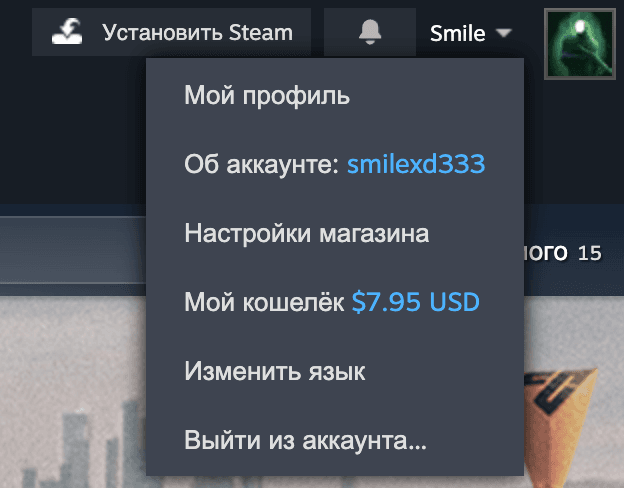
- 1Open SteamThe desktop client or the Steam website — sign in to your account.
- 2Go to “Account details”Click your profile name in the top-right corner and choose “Account details”.
- 3Copy the account nameIt's shown at the top of the page — that's your login. Paste it into the form.
Supported regions
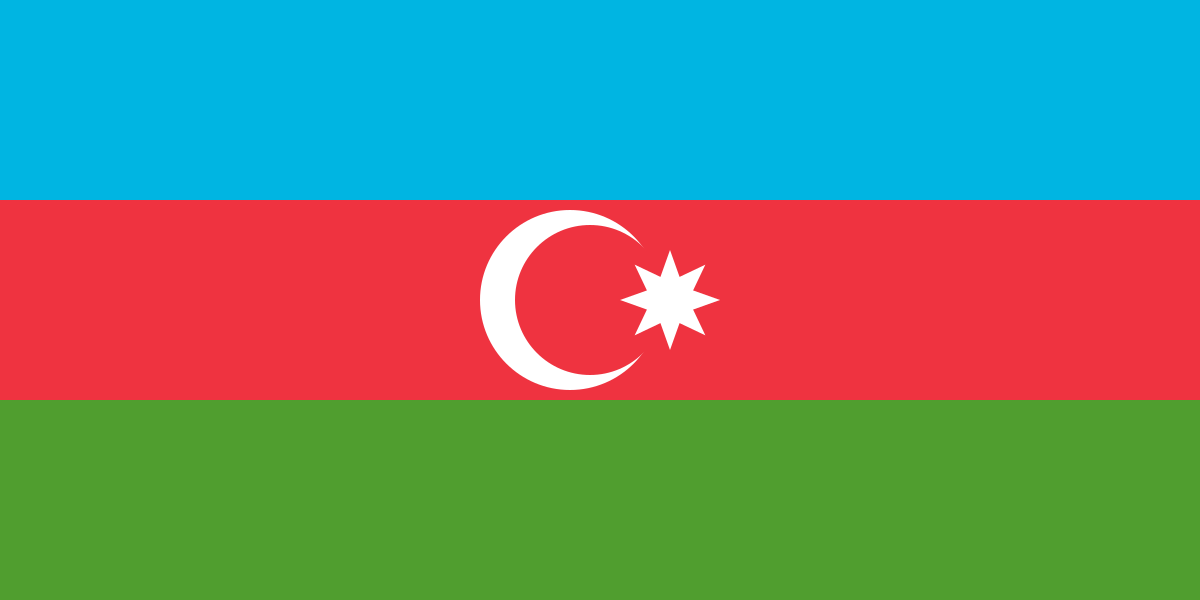
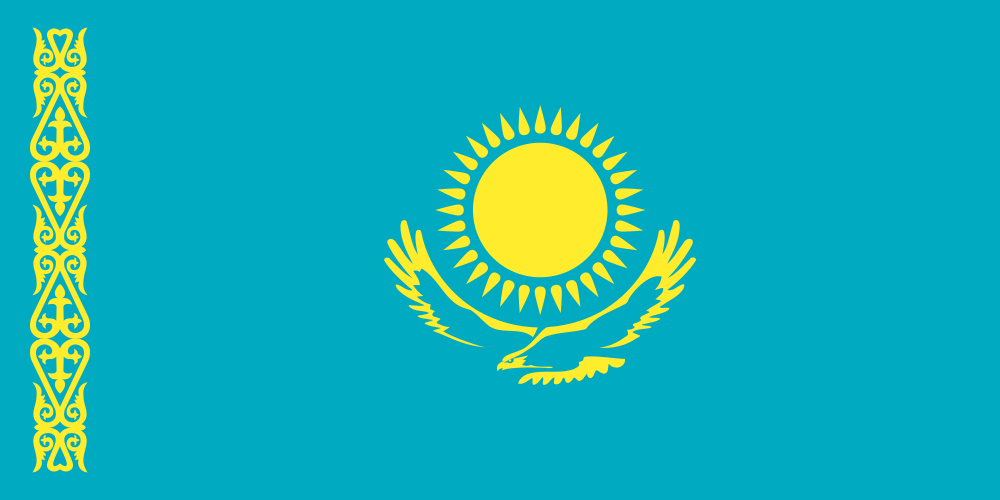
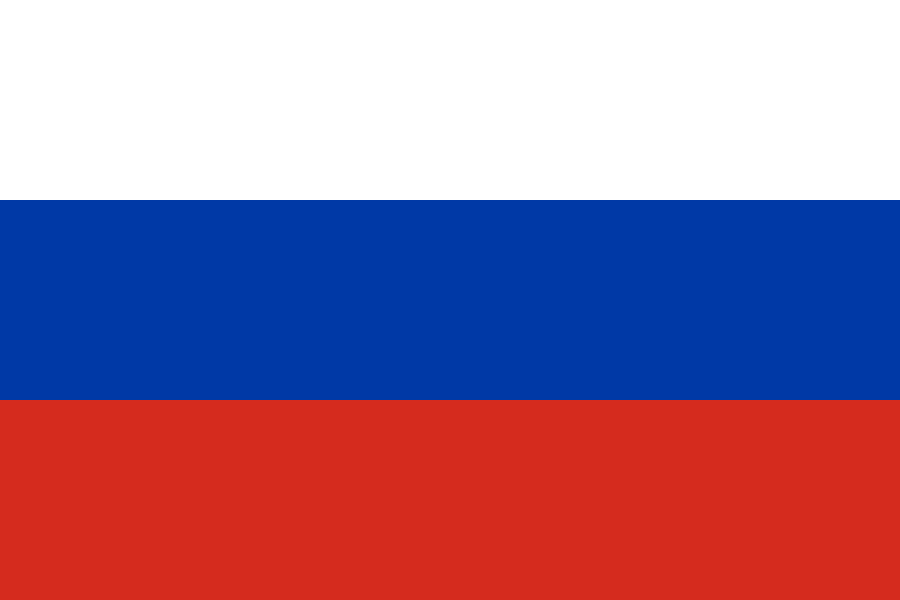
We top up accounts in Azerbaijan, Kazakhstan, Russia and Ukraine. Tap a country for details on currency and payment.
Frequently asked questions
Tenge: Steam converts the dollars at its rate at the moment of crediting. The form shows an estimate in tenge.
Visa and Mastercard cards from Kazakh banks work if the bank allows online payments abroad. The bank charges the equivalent in tenge at its own rate.
Usually 1 to 5 minutes after payment. The order status appears on screen right after you pay.
If the login doesn't exist, the top-up won't go through and the money returns to your card. If the login exists but belongs to someone else, the credit can't be reversed — so double-check it before paying.
Azerbaijan accounts have a US-dollar wallet — exactly the amount you pick is credited. For Kazakhstan, Russia and Ukraine, Steam credits the equivalent in tenge, rubles or hryvnias at its own rate — the form shows an estimate.
From 1 $ to 200 $ per top-up, and no more than 200 $ a day per Steam account. The limit resets at 00:00 Baku time.
Steam accounts from Azerbaijan, Kazakhstan, Russia and Ukraine. You can see the region in Steam under “Account details” — pick it in the form.
If the top-up fails, we'll return the money to your card. A successful credit to your Steam wallet can't be reversed.